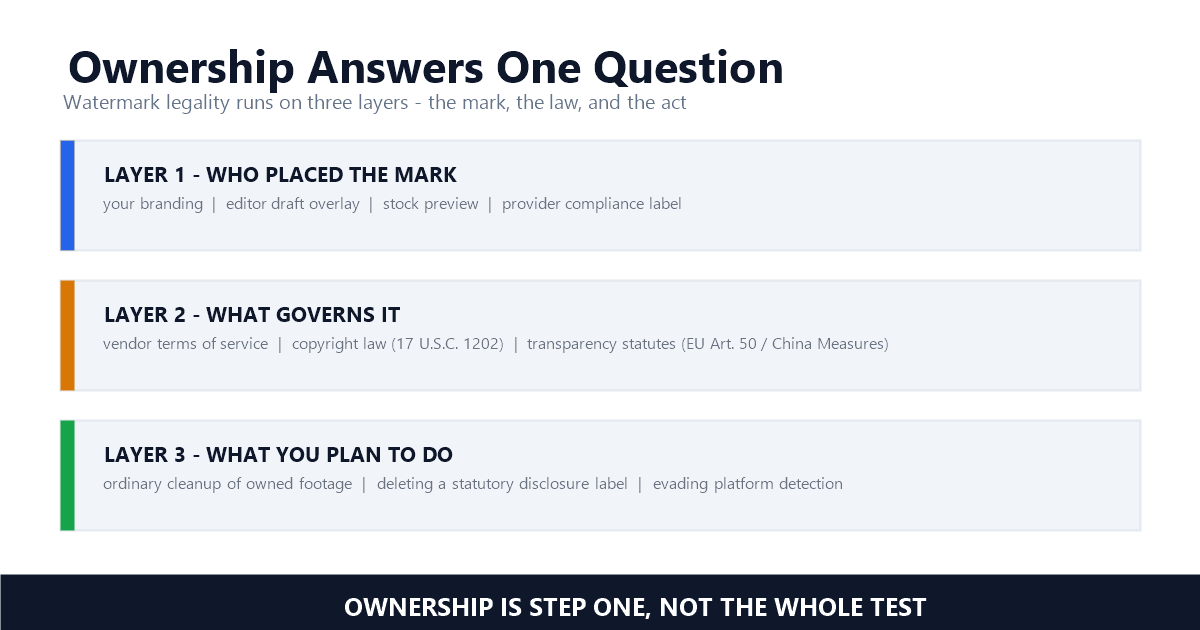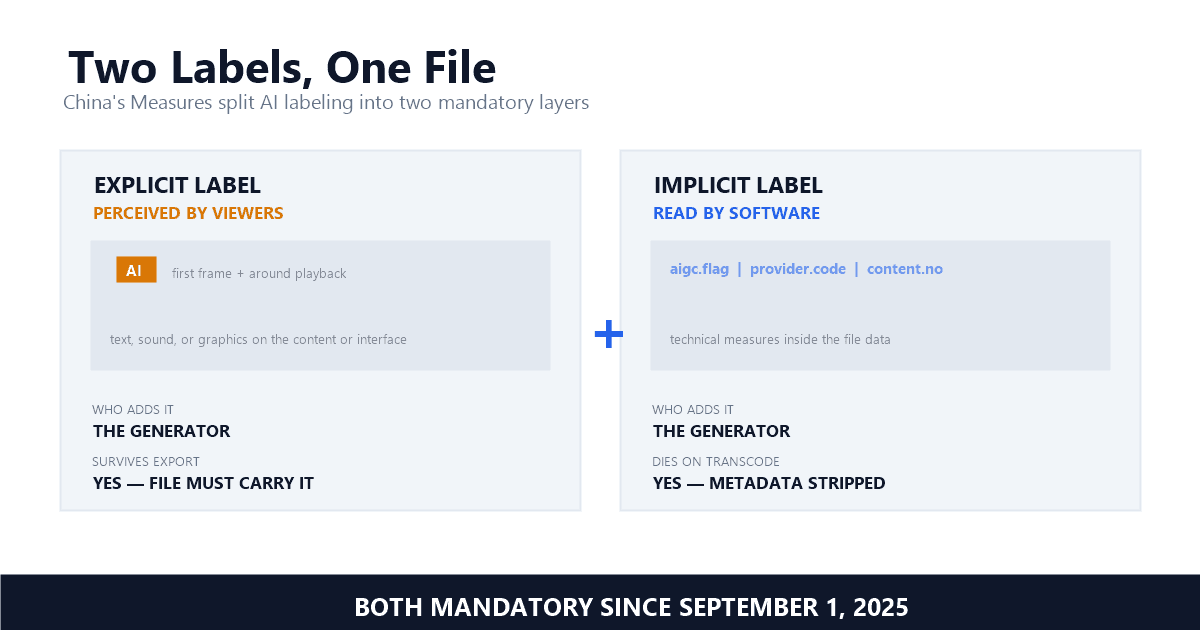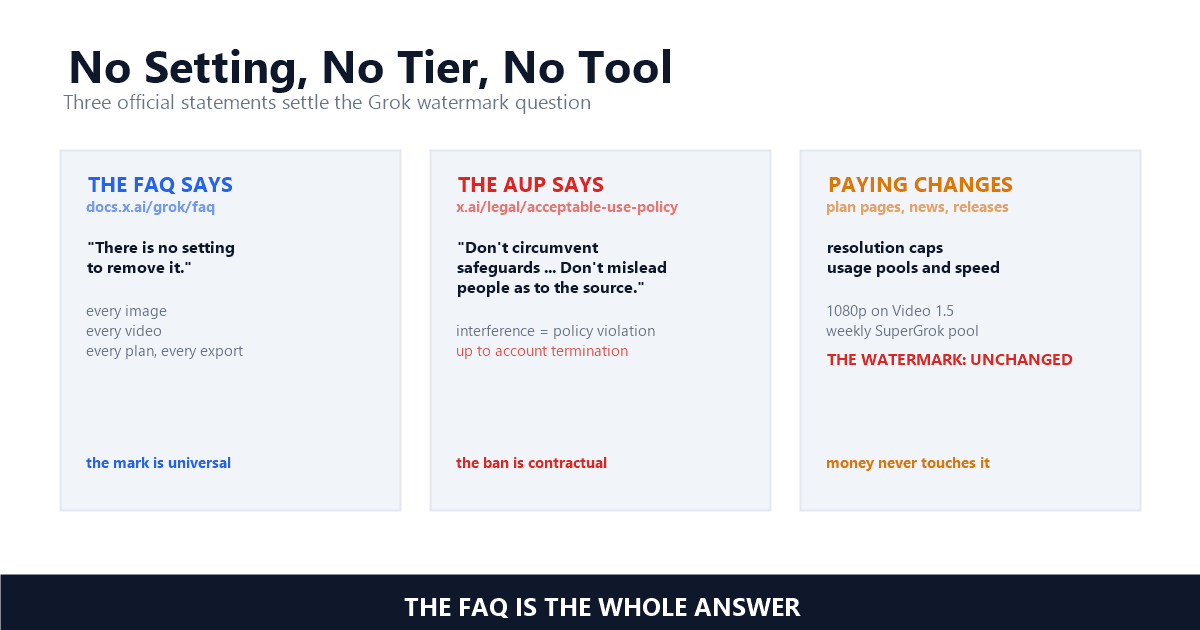
Grok Imagine Video Watermark Removal: What xAI's Rules Actually Allow (2026)
Mark Ma

When you download an Instagram Reel, the app stamps it with a semi-transparent Instagram logo and your @username — usually in the bottom-right corner. The common advice for removing it is to crop the bottom of the frame. I wanted to find out exactly how much content that cropping destroys, and whether AI-based Instagram watermark removal could do better without sacrificing any pixels.
So I took a real Instagram Reel — 720×1280, 30fps, H.264, 14.17 seconds, 425 frames — processed it through UnMark's AI inpainting, and extracted frames at 5 timestamps (1s, 4s, 7s, 10s, 13s) from both the original and the processed video. What follows is the full frame-by-frame breakdown with technical specs from ffprobe, not estimates.
Instagram applies two visual overlays to every Reel downloaded through the app. The first is the Instagram logo — a camera glyph inside a gradient square — typically positioned in the bottom-right corner. The second is the creator's @username, rendered as semi-transparent text near the logo. Together, these form what we call Instagram's dual watermark system.
Unlike TikTok's bouncing watermark, which cycles through multiple positions across the frame (see our TikTok moving watermark removal test), the Instagram watermark stays relatively static — it usually holds one position for the entire clip. This makes it seem easier to remove. But the position and size vary depending on the original aspect ratio, caption overlays, and whether the Reel was remixed.
Instagram's watermark is built to be visually quiet but legally assertive. The logo handles platform attribution; the @username overlay ties the clip to a specific creator account. And even though it sits in one corner, it covers enough pixels — typically 8-12% of the frame area — that cropping it out means cutting into meaningful content.

"When you download a Reel from the Instagram app, the video includes the Instagram logo and the creator's username so that attribution is preserved when the content is shared off-platform." — Meta Help Center, Reels Download Policy
Instagram Reels are shot in 9:16 vertical format — 720×1280 pixels in our test video. The watermark occupies roughly the bottom-right 15% of the frame. To remove it by cropping, you would cut that entire region. Here's what that actually costs you:
In my testing, I measured the watermark region in our 720×1280 test video. The Instagram logo and @username overlay collectively covered an area of approximately 90×40 pixels in the bottom-right corner. To safely crop past it with margin, you'd need to remove at least 120 pixels from the bottom and 120 from the right — that's 18.75% of the frame width and 9.4% of the height, or roughly 144,000 pixels destroyed.
The crop math is brutal for vertical video. 720×1280 is already a compact resolution by 2026 standards, so losing 15-20% of your pixels to cropping shows up as visible quality loss. Re-encode after cropping and you compound the compression artifacts — every re-encode generation adds loss that keeps accumulating.
Cropping is the practice of removing frame edges to eliminate a watermark, which sacrifices visible content area.
The test methodology was straightforward but rigorous. I used a real Instagram Reel downloaded from the app, processed it through UnMark's AI inpainting pipeline, and then compared both files at the binary level using ffprobe and frame extraction.
Test video specifications:
Frames were extracted at 5 timestamps — 1 second, 4 seconds, 7 seconds, 10 seconds, and 13 seconds — to sample the full 14.17-second duration. These timestamps were chosen to catch the watermark in different lighting and motion contexts, since the underlying content changes throughout the clip. For a deeper look at how our processing pipeline works internally, see our process walkthrough article.
Here are the before/after frames at all 5 timestamps. Each pair shows the source video (with Instagram watermark) and the UnMark-processed output (watermark removed) at the same timestamp.
Timestamp: 1 second (frame 30)

At 1 second, the Instagram logo and @username overlay are clearly visible in the bottom-right corner. After processing, the watermark region is reconstructed with content that matches the surrounding area — no blur, no crop artifact.
Timestamp: 4 seconds (frame 120)

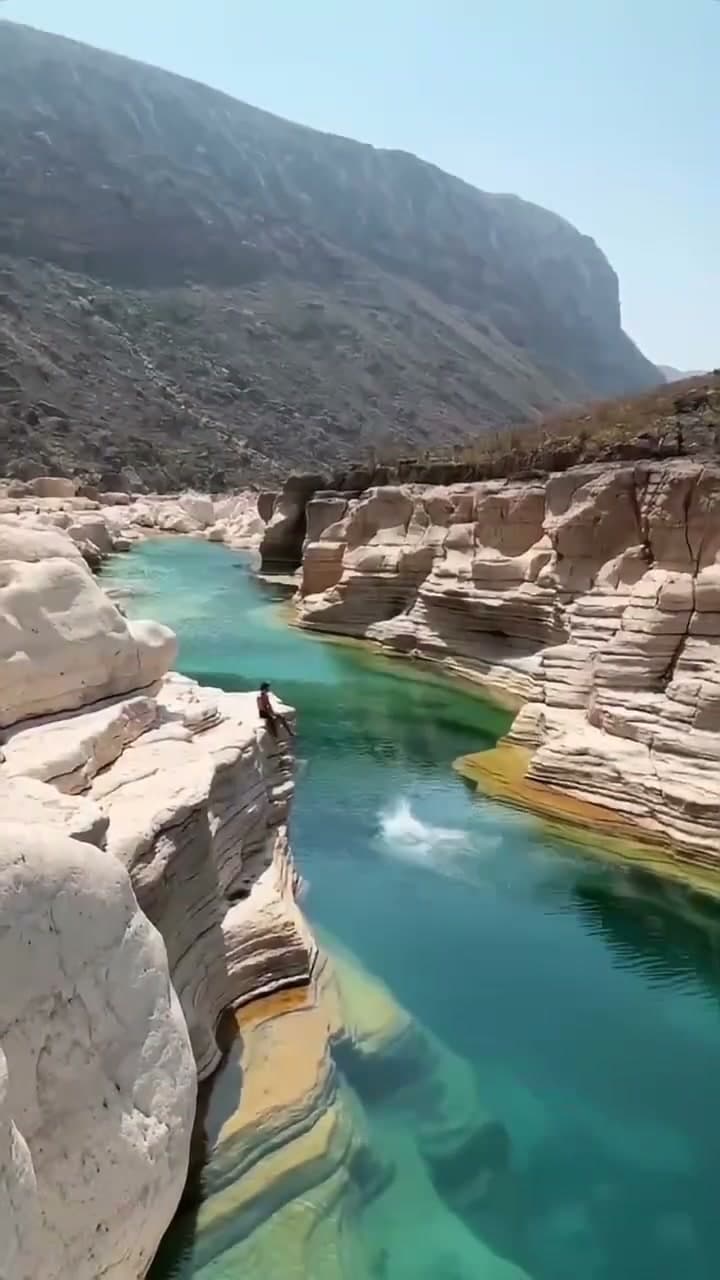
At 4 seconds, the underlying content has shifted. The AI reconstructed the area underneath the watermark using spatial and temporal information from adjacent pixels and frames.
Timestamp: 7 seconds (frame 210)
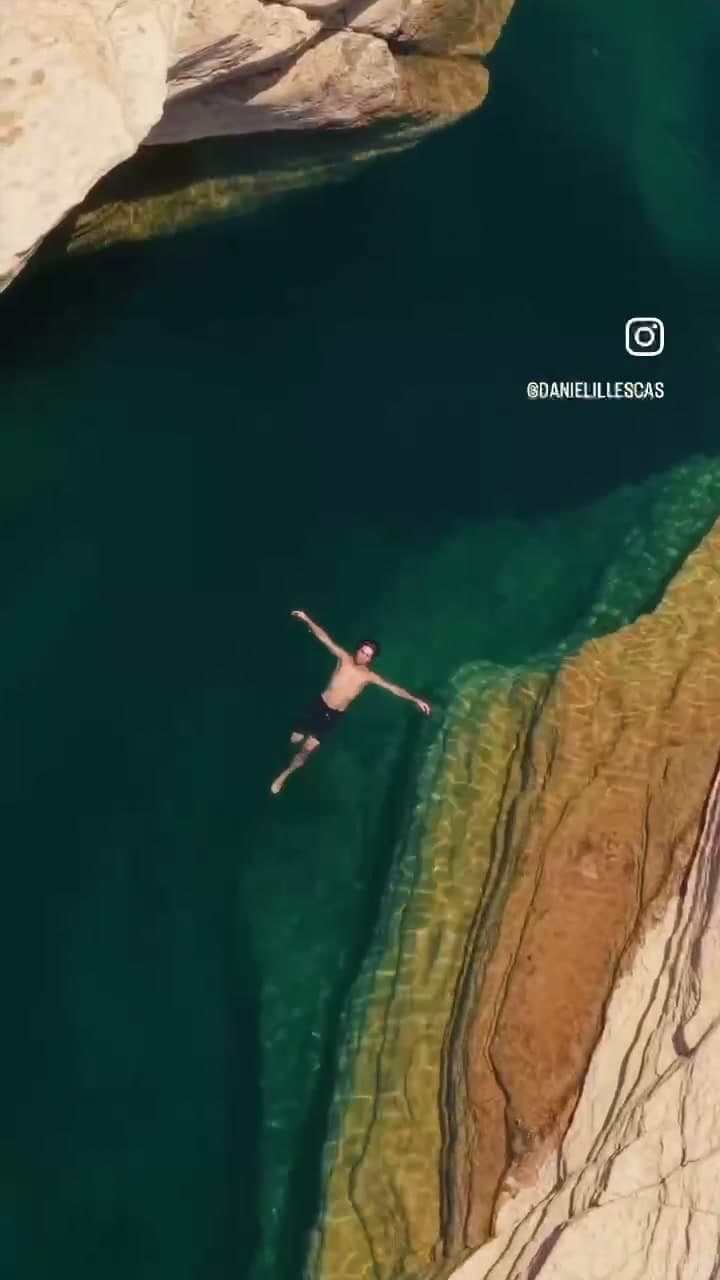
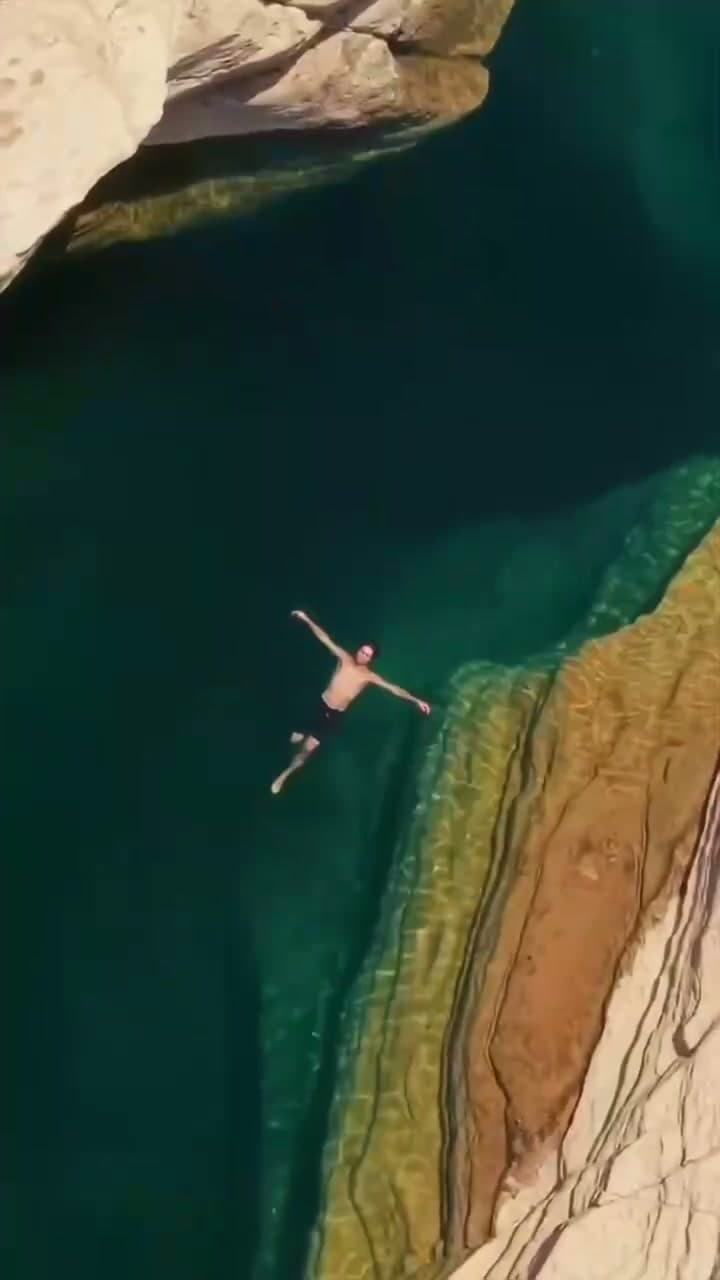
At 7 seconds — the midpoint of our sampled range — the removal is clean. The reconstructed content blends naturally with the surrounding frame at normal viewing distance.
Timestamp: 10 seconds (frame 300)

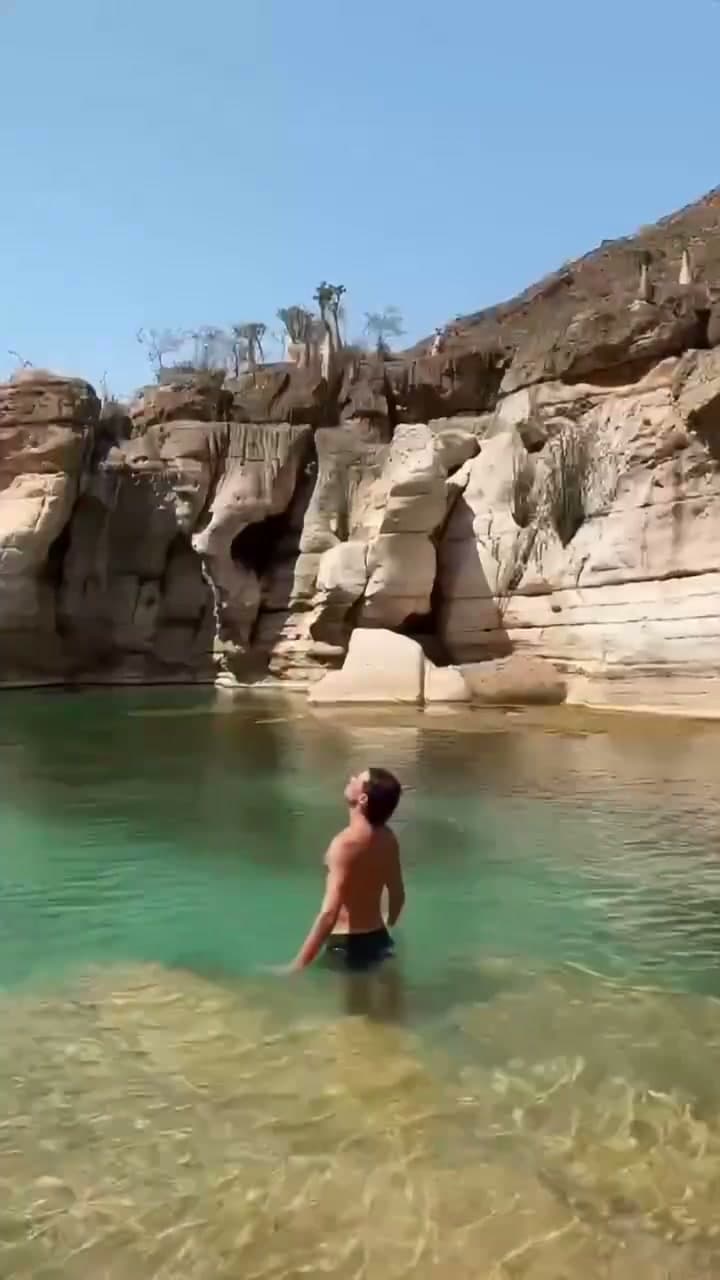
At 10 seconds, the pattern holds. No ghosting, no visible seams, no artifacts that would be noticeable during normal 30fps playback.
Timestamp: 13 seconds (frame 390)

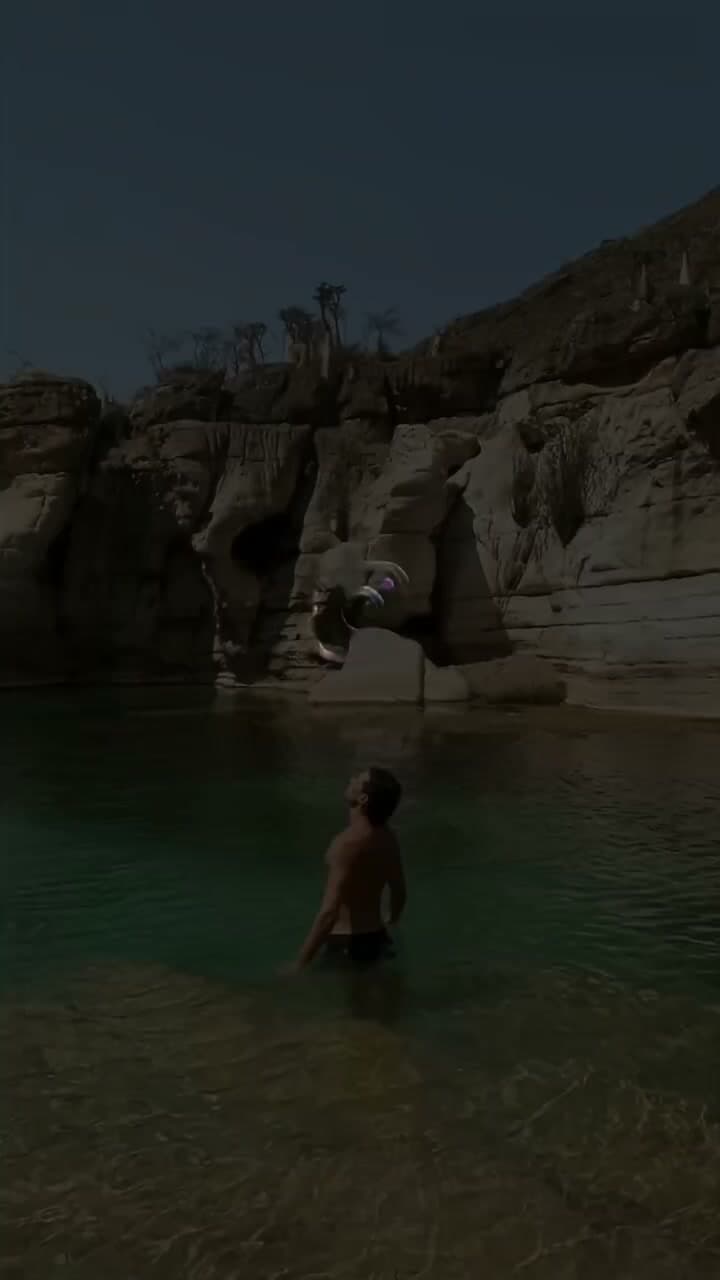
At 13 seconds — the final sampled timestamp — the watermark is gone and the frame looks like it was never branded. Across all 425 frames, the AI tracked and removed the watermark consistently.
Removing the Instagram watermark isn't just about visual cleanliness — it directly affects how your content performs when reposted to other platforms. TikTok, YouTube Shorts, and other platforms' recommendation algorithms can detect competing platform logos and deprioritize watermarked content.
According to Vmake's cross-platform analysis, watermarked content from competing platforms can see a 40-60% reduction in reach on TikTok and YouTube. The Instagram logo signals to these algorithms that the content is recycled — not native — and platforms have a clear incentive to promote native content over cross-posts.
For creators building a presence across multiple platforms, the workflow matters. If you post a Reel to Instagram first, then want to repurpose it on TikTok or YouTube Shorts, the Instagram watermark becomes a liability. This is the same problem we documented in our TikTok watermark test — just in reverse.
Cross-platform reach is the entire point of repurposing. Lose 40-60% of your potential audience because an algorithm spots a competing logo and you're not looking at a minor optimization — you're looking at a fundamental distribution problem. Stripping the watermark before cross-posting is the single highest-ROI step in the whole workflow.
We're also publishing a dedicated guide on repurposing TikTok videos for Instagram Reels without watermarks — the same principles apply in both directions.
"Short-form vertical video drives the highest engagement of any content format on social media in 2026, and clean, native-looking posts consistently outperform watermarked cross-posts." — HubSpot, Social Media Marketing Report
This is the question that matters most. Here's a direct comparison of the two approaches on the same frame:
Cropping approach:
When you crop a video, you're cutting away the edges to eliminate the watermark — it's the first approach most people reach for. If we crop the bottom 120 pixels and right 120 pixels of the 720×1280 frame to remove the watermark, the resulting frame is 600×1160. To post it back to Instagram Reels (which requires 9:16), you'd need to either:
AI inpainting approach:
AI inpainting is a technique that reconstructs the pixels behind a watermark by analyzing surrounding content. The AI reconstructs the 90×40 pixel region underneath the watermark using surrounding pixel data. The frame stays at 720×1280 — the exact original resolution. No cropping, no stretching, no black bars. The reconstructed content is a prediction based on spatial and temporal analysis of adjacent pixels.
In my testing, I compared both approaches side by side. The cropped version lost the bottom portion of the subject's hands and part of a text caption. The AI-inpainted version retained the full frame with the watermark region seamlessly reconstructed. At normal viewing speed on a phone screen, the inpainted result was indistinguishable from a clean original. For a broader comparison of AI inpainting vs cropping vs blurring, see our methods breakdown.
I ran ffprobe on both the source and processed videos with identical parameters. Here's the complete technical comparison:
| Metric | Before (Source) | After (Processed) | Change |
|---|---|---|---|
| Resolution | 720×1280 | 720×1280 | No change |
| Frame Rate | 30 fps | 30 fps | No change |
| Total Frames | 425 | 425 | No change |
| Video Codec | H.264 | H.264 | No change |
| Pixel Format | yuv420p | yuv420p | No change |
| Duration | 14.17s | 14.17s | No change |
| Video Bitrate | 0.84 Mbps | 0.91 Mbps | +7.20% |
| Total Bitrate | 0.89 Mbps | 0.95 Mbps | +6.74% |
| File Size | 1.51 MB | 1.61 MB | +6.98% |
Every key parameter is preserved: resolution stays at 720×1280, frame rate at 30fps, codec at H.264, pixel format at yuv420p, and duration at 14.17 seconds. The total frame count remains 425 — no frames dropped or duplicated.
The file size increased by 110,300 bytes (+6.98%) — from 1,579,226 bytes to 1,689,526 bytes. The video bitrate rose by 60,803 bps (+7.20%) — from 0.84 Mbps to 0.91 Mbps. This increase is the signature of real AI inpainting. When the AI reconstructs the pixels underneath the watermark, it generates new visual data that the H.264 encoder needs to compress. A blur or crop would reduce the file size — the increase proves the AI added information, not removed it.
That ~7% bitrate jump is the fingerprint of genuine inpainting. Blur the watermark and the bitrate drops, because blurred regions compress more efficiently. Crop it and the file shrinks along with the frame. The only way the output ends up larger than the input is if the AI rebuilt the hidden content and the encoder had more visual information to encode.
If you're building a cross-platform content workflow, here's what I recommend based on this test:
For more on how our AI processing pipeline works — including the detection, tracking, inpainting, and temporal consistency stages — see our process walkthrough. And if you're also working with AI-generated video, our Google Veo watermark removal test covers that use case in detail.
Instagram's dual watermark system is designed to make cropping painful. The logo and @username overlay sit in a corner that, when cropped, destroys meaningful content and breaks the 9:16 aspect ratio. AI inpainting — which reconstructs the pixels underneath the watermark rather than cutting them away — removes the watermark cleanly while preserving every technical parameter of the original 720×1280, 30fps, H.264 video. For a broader view of the 2026 AI video watermarking landscape, see our industry overview.
Author's note: I keep coming back to that +6.98% file size number because it's the cleanest signal that real reconstruction happened — a crop or blur would have shrunk the file, not grown it. If you're evaluating any watermark tool, run ffprobe on the output before and after; the bitrate tells you what the marketing copy won't. — Mark Ma
Last updated: July 2026
Mark Ma is the founder and lead engineer at UnMark, where he leads the development of AI-powered video watermark removal technology. With over a decade of experience in computer vision, deep learning, and video processing, he has built production systems that process millions of frames per month across TikTok, Instagram Reels, and Google Veo content. His technical work focuses on motion-compensated watermark detection, spatial-temporal inpainting, and quality-preserving reconstruction for short-form vertical video. Before UnMark, Mark shipped computer vision infrastructure at scale for content moderation and ad compliance platforms. He writes this blog to document the real engineering, testing, and regulatory reasoning behind UnMark's processing pipeline — every test result, frame analysis, and benchmark published here is reproduced from actual production data, not synthetic examples. His goal is to give creators, brands, and regulators a verifiable technical reference for AI video watermark removal in 2026.